Documents
DMS, knowledge base, eSignature, contracts, and policies.
Govern documents, contracts, eSign, and knowledge in the same OS as work happens.
Runs on the Woxox Business Operating System.

Product Overview
Why Documents
DMS, knowledge, eSignature, contracts, and policies as first-class entities.
Business problems
- · Version chaos
- · Unsigned contracts
- · Tribal knowledge
Target users
- · Legal
- · Ops
- · Compliance
- · Knowledge managers
Enterprise benefits
- · Entity-linked files
- · Audit trails
- · Document intelligence via AI Platform
Business outcomes
- · Faster signing
- · Searchable knowledge
- · Policy acknowledgement
Key Capabilities
What Documents includes
Expand any capability for business benefit and platform context.
- · Part of the Documents product category
- · Shares Universal Entity Model with other modules
- · Automations via Workflow Engine
- · AI via Centralized AI Platform (no direct LLM calls)
Interactive Product Tour
Walk through Documents
Screenshots and step-by-step highlights — responsive carousel for desktop and mobile.

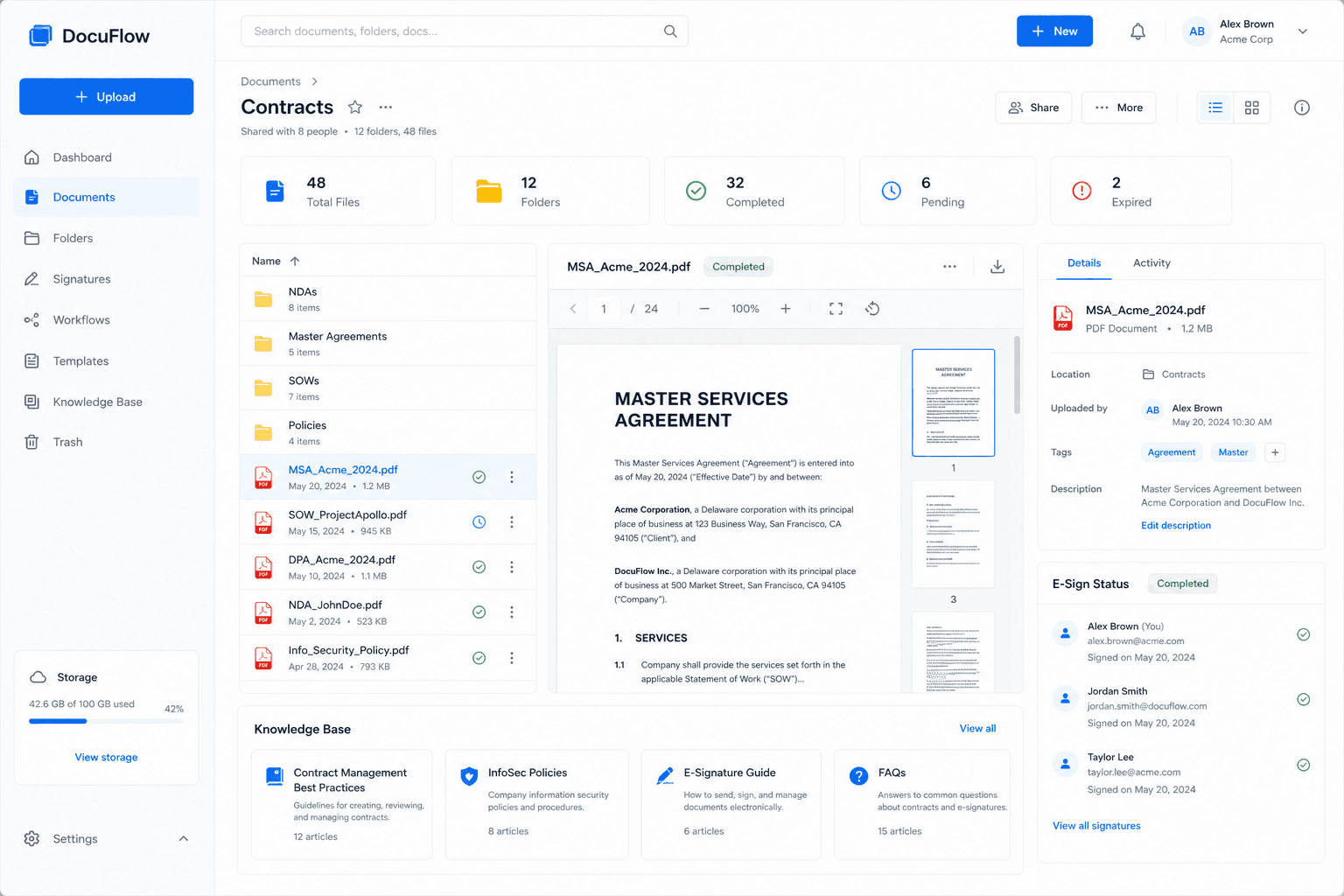
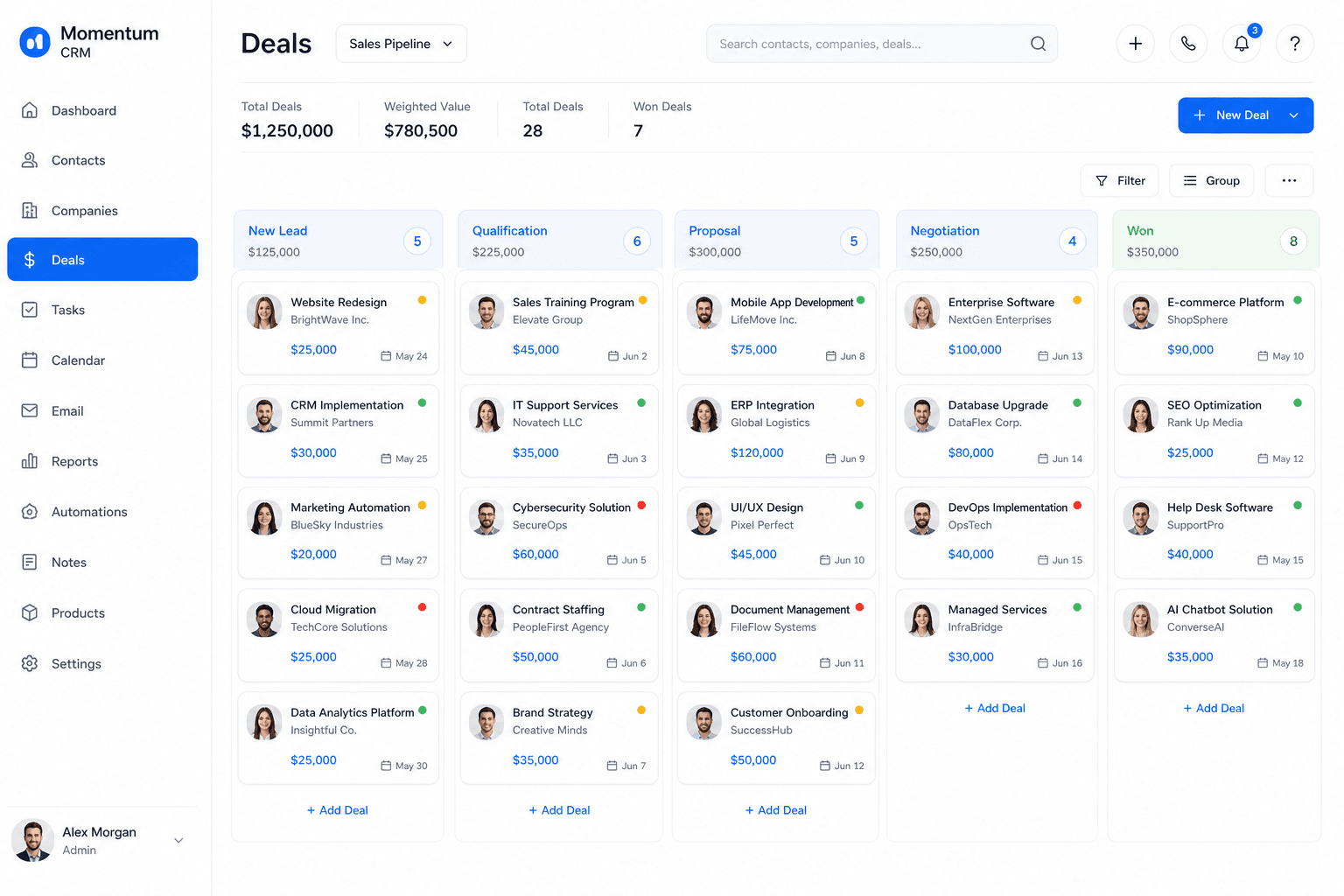
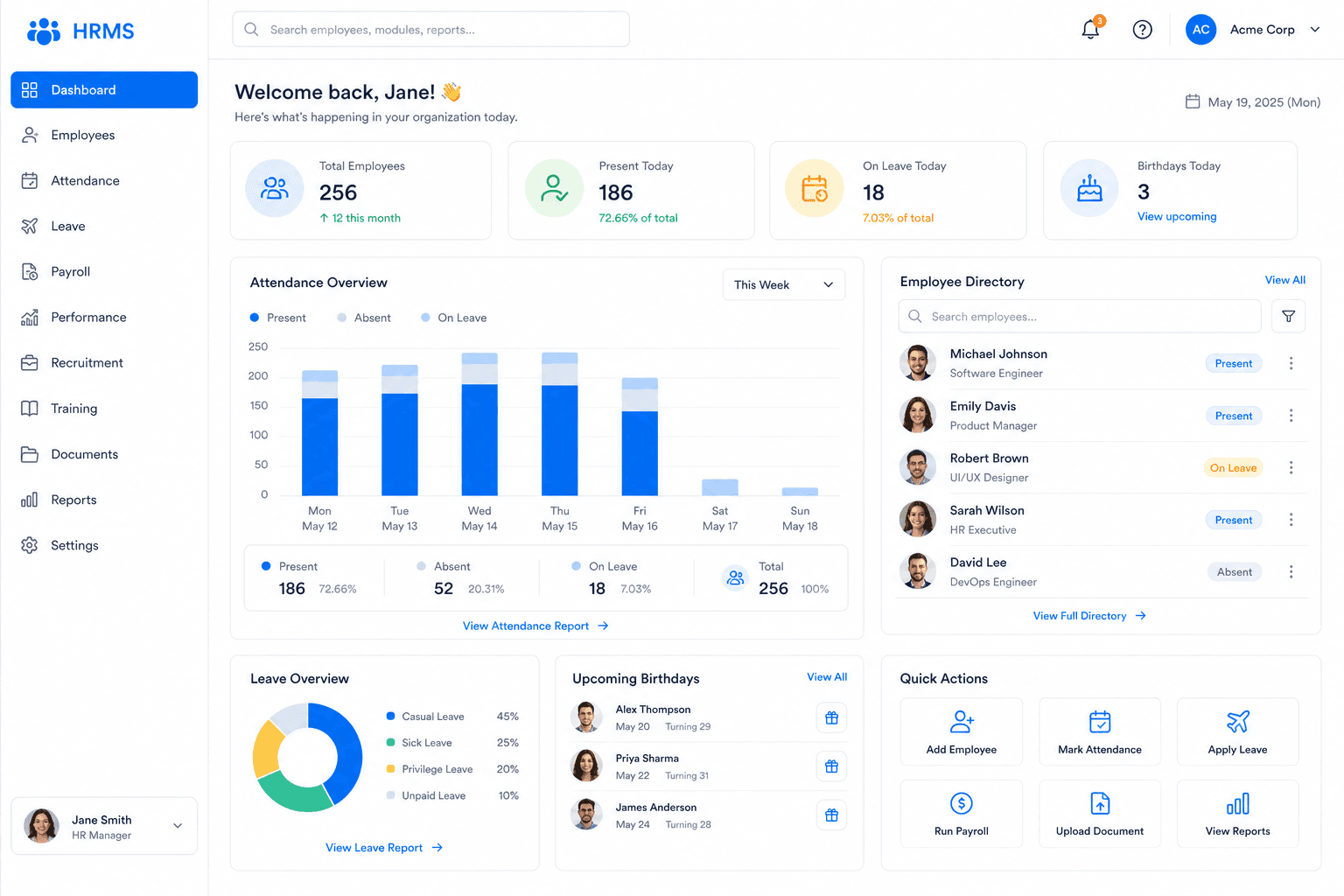
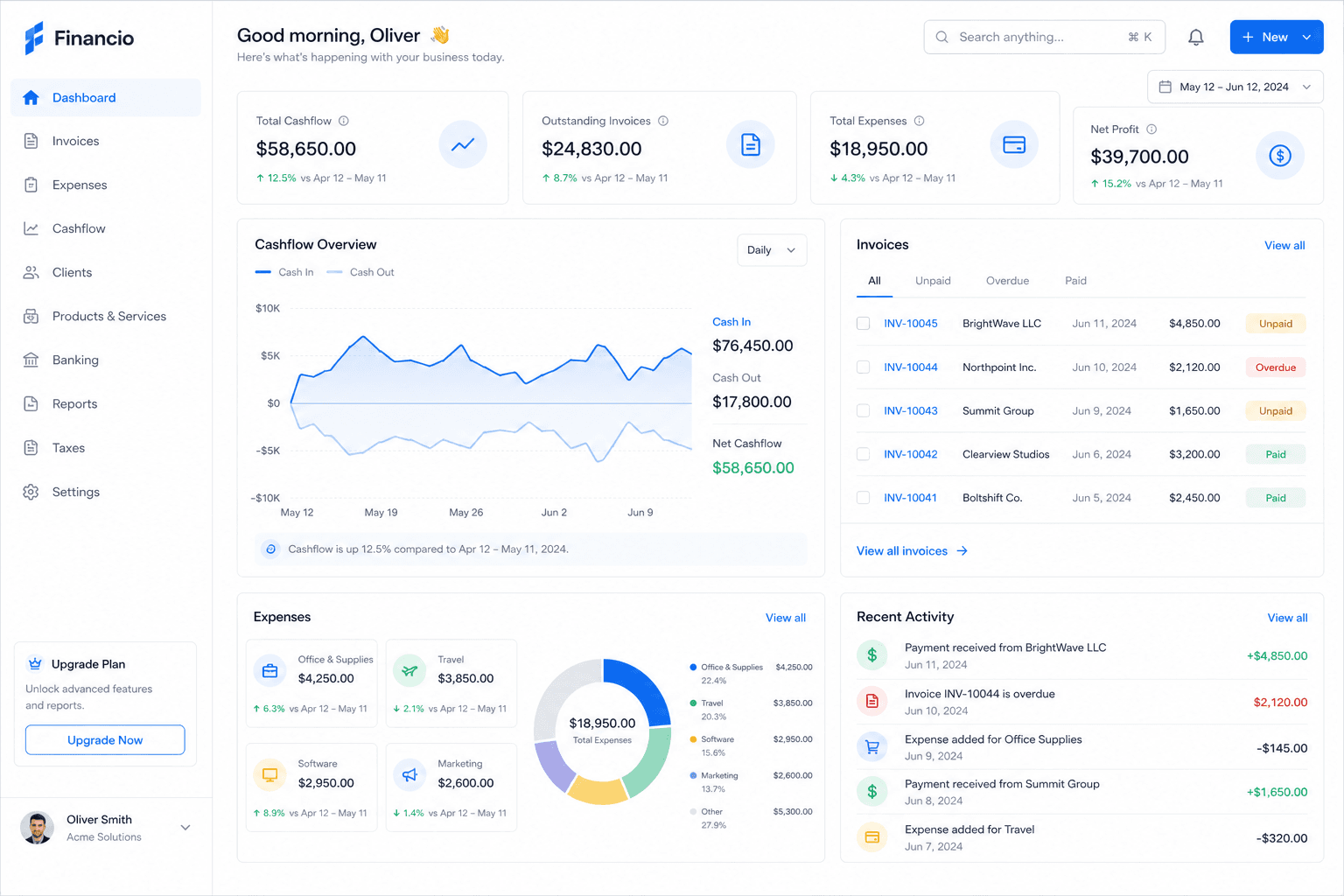
Step 1 of 3
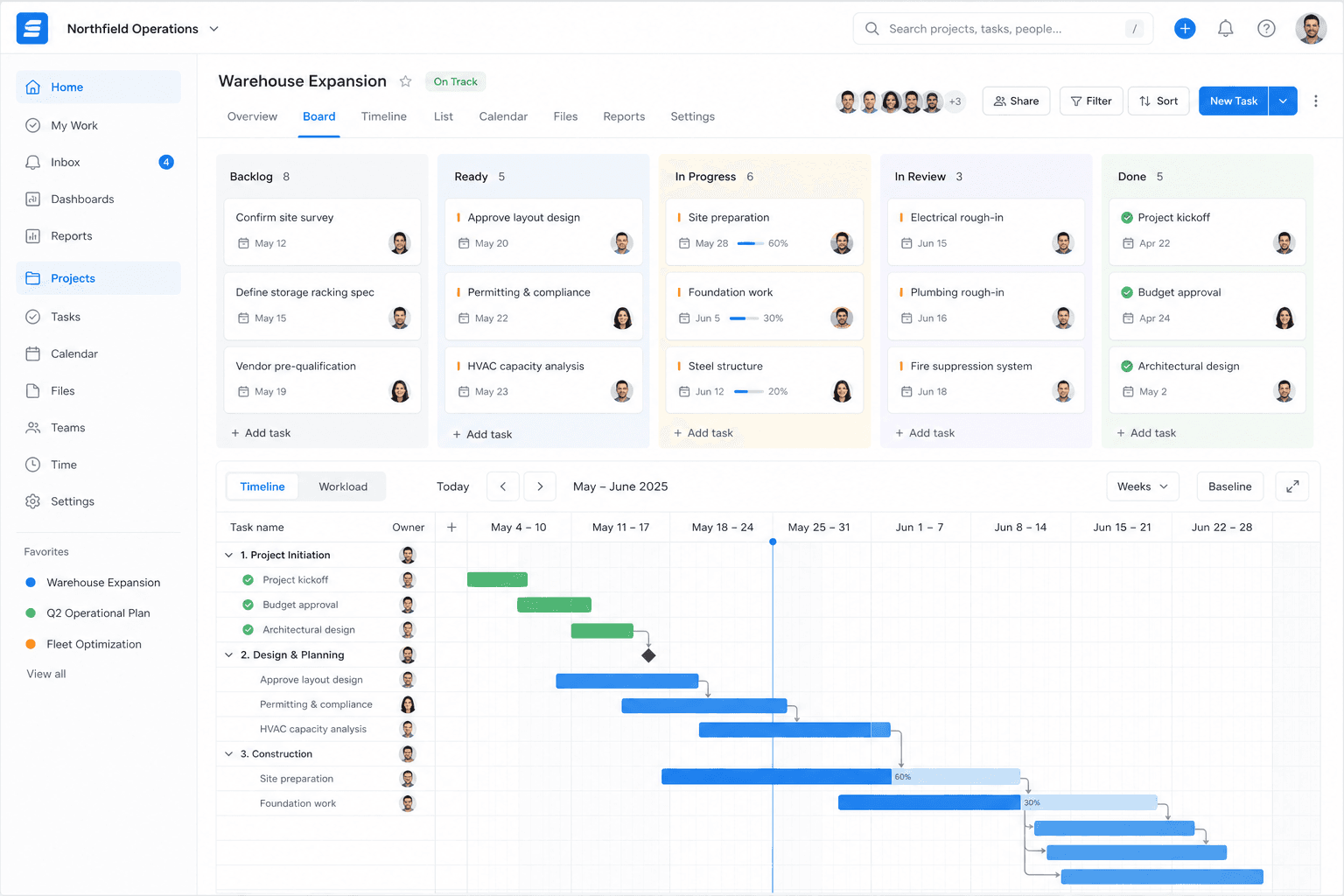
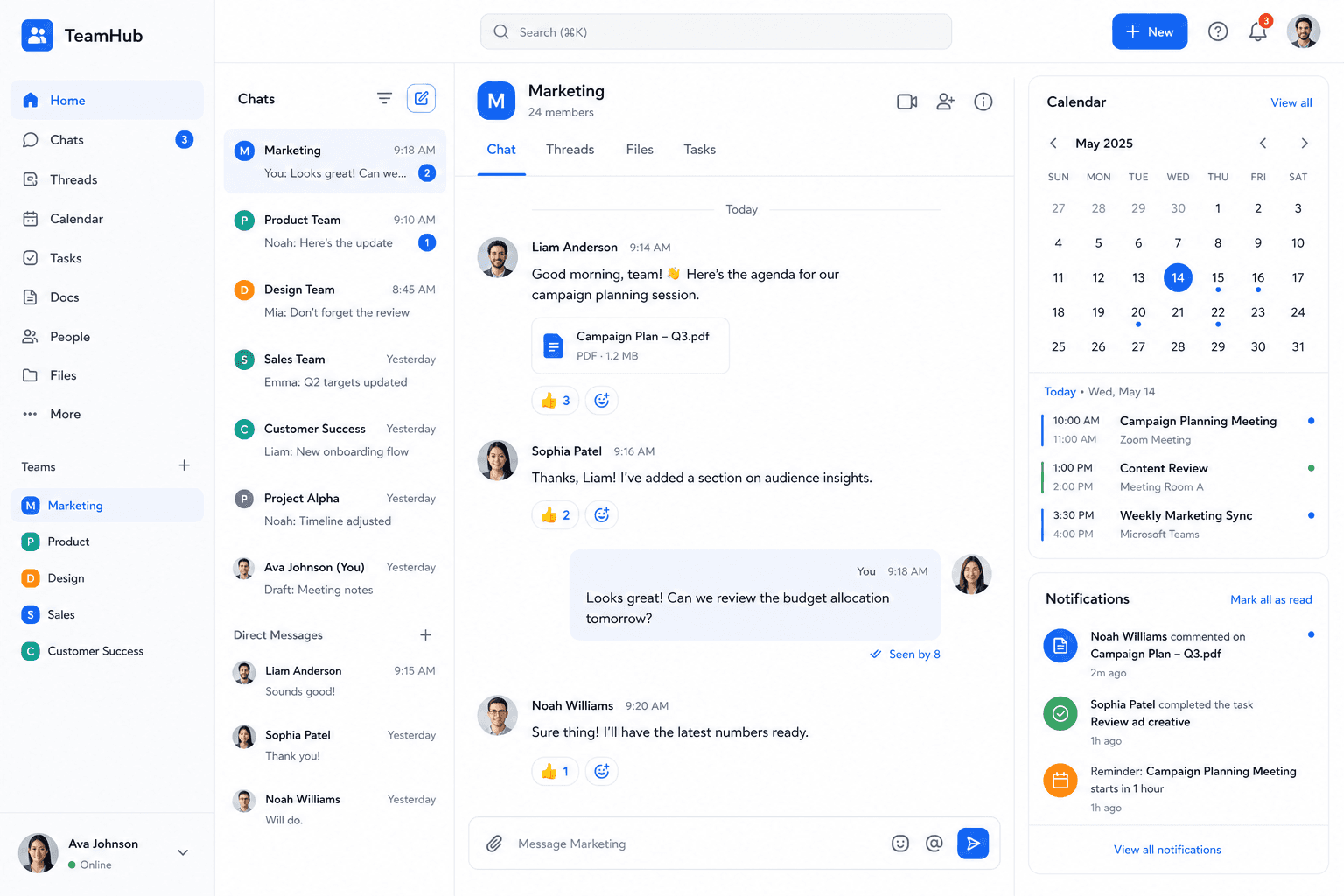
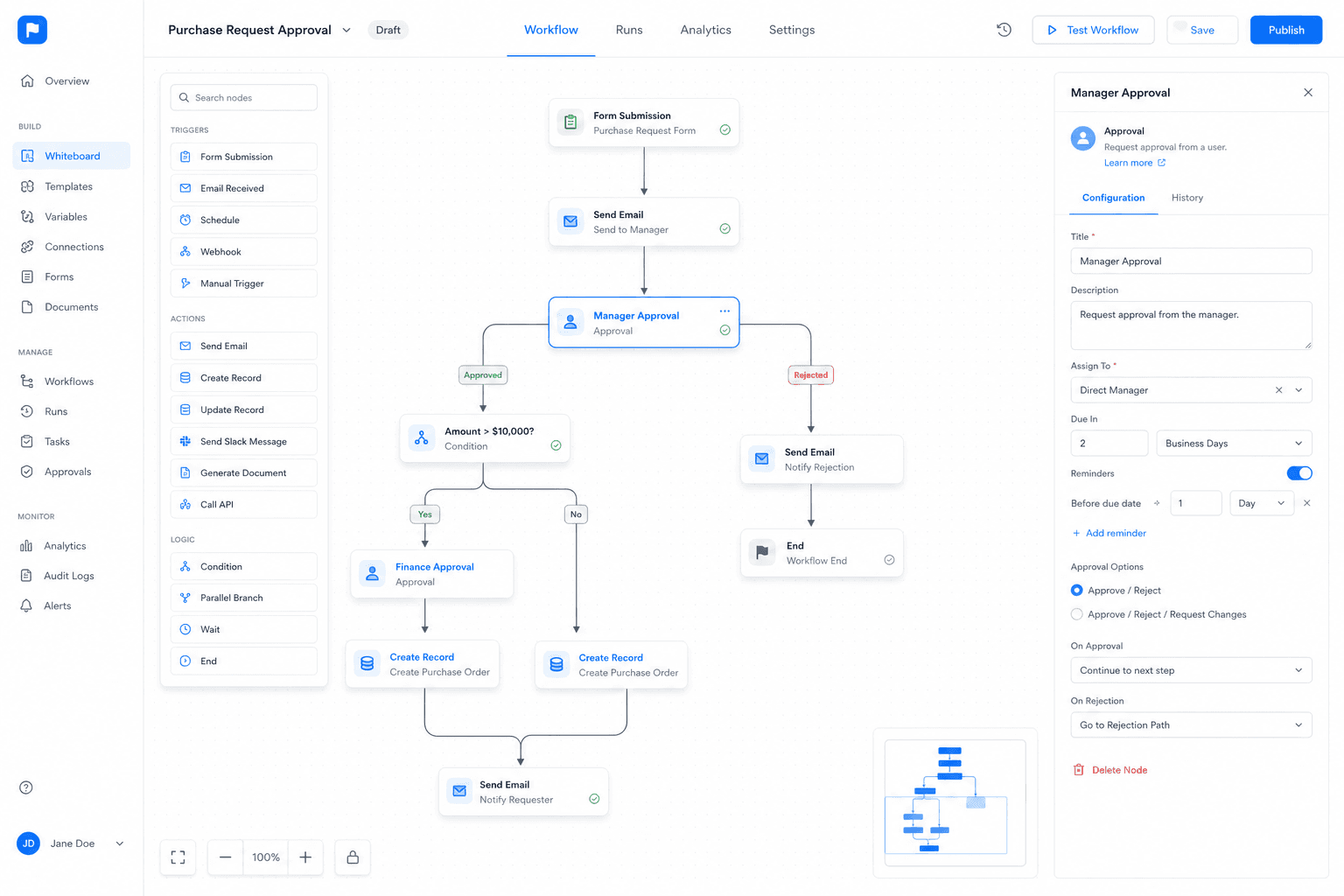
Documents dashboard
Live operating view for documents on Woxox.
Business Workflow
How Documents flows through the OS
Input → Automation → Approval → AI → Notifications → Reports → Output — on the shared Workflow Engine.
Input
Records, forms, imports, and inbound events enter the module.
Automation
Workflow engine applies rules across the shared kernel.
Approval
Human gates with RBAC/ABAC and audit trails.
AI
Copilot and agents via the Centralized AI Platform — never direct LLM calls.
Notifications
In-app, email, and channel alerts to the right owners.
Reports
Live dashboards and scheduled narratives on OS data.
Output
Updated entities, documents, and downstream module actions.
AI Features
Intelligence inside Documents
Copilot, automation, suggestions, predictions, summaries, and natural language search — powered by the Centralized AI Platform. Modules never call LLMs directly.
Integrations
Connect the tools you keep
Email, messaging, productivity, payments, ERP, CRM, APIs, webhooks, and Marketplace apps.
- Microsoft 365
- Google Workspace
- Slack
- Stripe
- Razorpay
- QuickBooks
- SAP
- Salesforce
- REST API
- Webhooks
- Marketplace Apps
Prefer replacing silos? Modules share the Business OS entity model — fewer brittle integrations over time.
Architecture
Documents on the Business OS
Platform layer, kernel, metadata, workflow, permissions, AI, and APIs — detailed on the Platform page, not duplicated here.
Platform Layer
Runs on the Enterprise Business Operating System — not a standalone SaaS silo.
Open PlatformKernel Services
Identity, permissions, search, audit, notifications, and tenant isolation.
Open PlatformMetadata
Forms, fields, layouts, and rules configured without forking the module.
Open PlatformWorkflow Engine
Cross-module automation shared with every other product.
Open PlatformPermissions
RBAC and ABAC evaluated by the kernel on every API and UI.
Open PlatformAI Platform
All AI traffic goes through the centralized AI plane.
Open PlatformDeveloper APIs
REST, GraphQL, SDKs, and webhooks on one OS surface.
Open PlatformPrefer a deep dive? Interactive 8-layer architecture
Benefits
Business, technical, operational, and financial impact
Business Benefits
- · Faster signing
- · Searchable knowledge
- · Policy acknowledgement
Technical Benefits
- · Shared entity model
- · Kernel RBAC/ABAC
- · One API surface
Operational Benefits
- · Cross-module workflows
- · Fewer handoffs
- · Audit-ready processes
Financial Benefits
- · Lower SaaS sprawl
- · Faster time-to-value
- · Reusable AI spend
ROI & Scalability
- · Start with one module
- · Expand without re-integration
- · Horizontal platform scale
Industry Use Cases
Documents across industries
Healthcare, retail, manufacturing, construction, education, hospitality, logistics, government, legal, and finance — configured on the same OS.
Healthcare
Documents configured for healthcare teams on the Business OS — shared identity, data, and workflows.
SolutionRetail
Documents configured for retail teams on the Business OS — shared identity, data, and workflows.
SolutionManufacturing
Documents configured for manufacturing teams on the Business OS — shared identity, data, and workflows.
SolutionConstruction
Documents configured for construction teams on the Business OS — shared identity, data, and workflows.
SolutionEducation
Documents configured for education teams on the Business OS — shared identity, data, and workflows.
SolutionHospitality
Documents configured for hospitality teams on the Business OS — shared identity, data, and workflows.
SolutionLogistics
Documents configured for logistics teams on the Business OS — shared identity, data, and workflows.
SolutionGovernment
Documents configured for government teams on the Business OS — shared identity, data, and workflows.
SolutionLegal
Documents configured for legal teams on the Business OS — shared identity, data, and workflows.
SolutionFinance
Documents configured for finance teams on the Business OS — shared identity, data, and workflows.
SolutionSecurity
Documents inherits platform security
Permissions, encryption, audit logs, compliance, and data residency — kernel primitives, not bolted-on per module.
Permissions
Field-, record-, and module-level access via the platform kernel.
Encryption
Data encrypted in transit and at rest.
Audit Logs
Immutable trails for admin and data actions.
Compliance
SOC 2 Ready, GDPR, HIPAA, ISO 27001 alignment.
Data Residency
Region options for regulated enterprise deployments.
Pricing Preview
Include Documents in your plan
Starter, Growth, and Enterprise — modules share the platform. No per-silo tax.
Starter
Startups and small teams
- · Core modules
- · Workflow automation
- · Community support
Growth
Scaling organisations
- · Advanced analytics
- · AI copilots
- · Priority support
Enterprise
Global & regulated orgs
- · SSO / SCIM
- · Data residency
- · Dedicated success
FAQ
Documents questions
Answers reinforce that this module runs on the Business Operating System.
Is Documents a standalone SaaS product?
No. Documents is a module on the Woxox Business Operating System — sharing identity, database, metadata, workflow, and AI with every other module.
How does AI work in Documents?
All copilots, predictions, and search go through the Centralized AI Platform. Modules never connect directly to LLMs.
Can we customize fields and workflows?
Yes — via the Metadata Engine and Workflow Engine on the Platform. Changes stay governed and upgrade-safe.
Where do I learn the underlying architecture?
See the Platform page for the 8-layer architecture, kernel, entity model, and developer APIs.
Customer Stories
Organisations running modules on one OS

Northwind Financial
“Woxox gave us a single source of truth for the first time. Every department now speaks the same data language.”
60% software spend reduction

Meridian Healthcare
“For the first time, our administrative teams have tools as modern as our clinical systems.”
Audit prep: 3 weeks → 2 days

Apex Manufacturing
“We can see every part, purchase order, and maintenance task in real time. AI forecasting alone paid for the platform.”
Stockouts eliminated
Developer APIs
Build on Documents
REST, GraphQL, SDK, events, webhooks, and authentication — documentation on the Developer Platform.
REST API
Full CRUD across module entities.
GraphQL
Typed queries across the entity graph.
SDK
JavaScript, TypeScript, Python, Node.js.
Events
Subscribe to module and platform events.
Webhooks
Signed delivery into your systems.
Authentication
OAuth 2.0 and scoped API keys.
import { Woxox } from '@woxox/sdk'
const woxox = new Woxox({ apiKey: process.env.WOXOX_API_KEY })
const row = await woxox.documents.list({ limit: 25 })
// AI still goes through woxox.ai.* — never raw LLM keysWoxox Business OS
Add Documents to your Business Operating System
Start a free trial, book a demo, or talk to sales about enterprise rollout.